🐢
Release 17.0 - November 4 2026



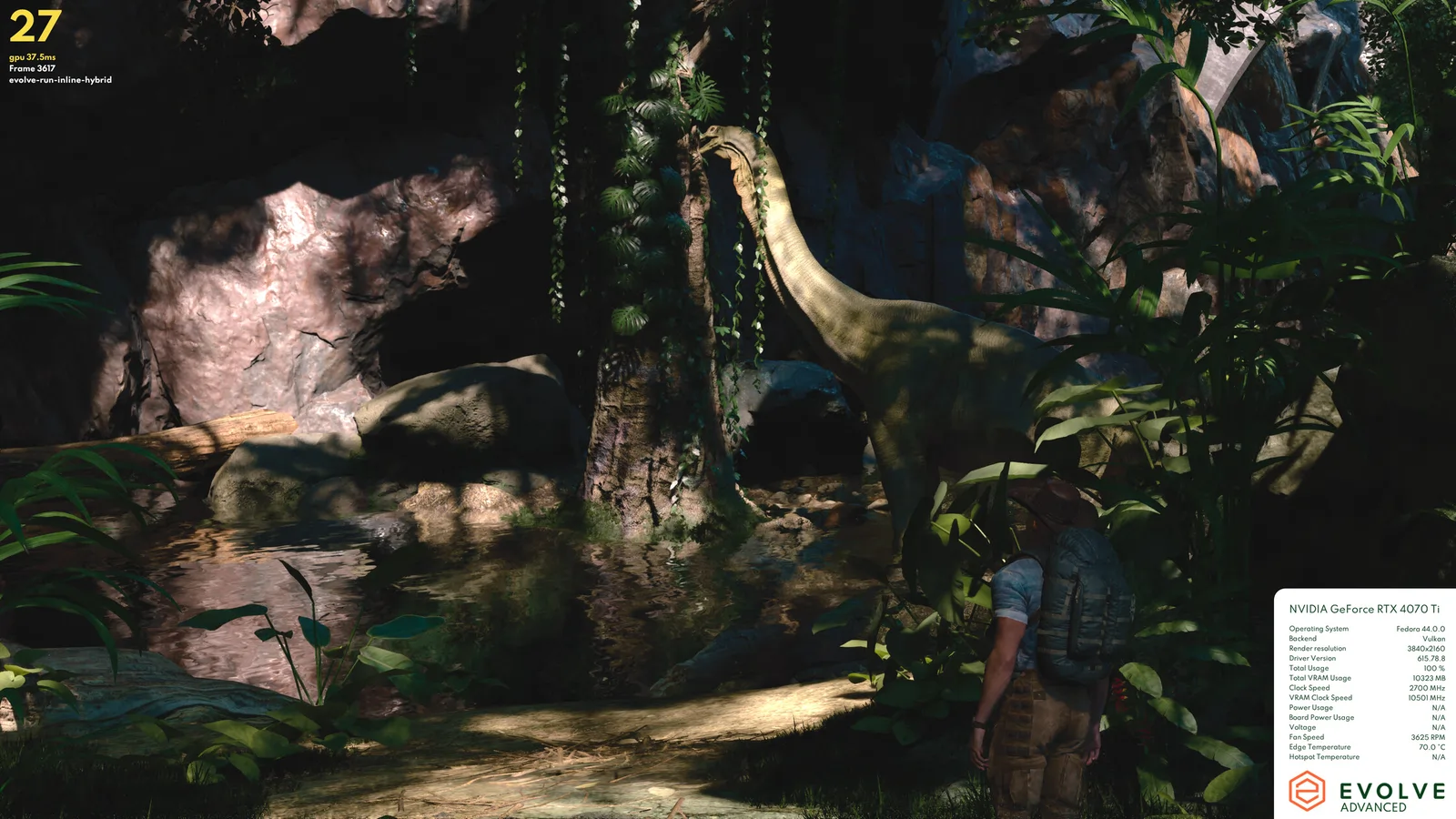
Release Highlights
🕺Announcements
- N/a for this release
🦖 Features
Linux support
We've released Linux support for Evolve on Steam, so Evolve now runs on Linux desktops. If you own Evolve on Steam, there's nothing extra to buy: the Free, Basic and Advanced versions are all available on Linux, and your account, runs and highscores are the same as on the desktop (Windows) platform.
On Linux you can run Evolve in two ways:
- Native (Vulkan): the default when you install Evolve through Steam on Linux. Evolve runs as a Linux application and renders with Vulkan, talking directly to your Linux graphics driver. This measures how well your GPU and its Linux driver handle ray tracing on Vulkan.
- Proton (DirectX 12): Steam runs the Windows version of Evolve through Proton, which translates its DirectX 12 rendering to Vulkan using vkd3d-proton. This measures the full chain a Windows game goes through on Linux: your GPU, its driver and the translation layer. Proton is how most Windows games run on Linux, so these scores show what you can expect from them.
The two will usually score differently on the same machine, and comparing them shows how much the translation layer costs. To switch to Proton, right-click Evolve in your Steam library, open Properties → Compatibility, tick Force the use of a specific Steam Play compatibility tool, and pick Proton 11.0 or newer.
Requirements
- Proton 11.0 or newer when running through Proton. Evolve's DirectX 12 rendering needs vkd3d-proton 3.0.1, which first shipped with Proton 11.0. Older Proton versions show an error at startup asking you to update.
- A GPU with Vulkan ray tracing support, from the same GPU families as on Windows (RTX 2060 / AMD RX 6600 or better).
- NVIDIA driver 595 or newer for the native version. With an older driver, Evolve asks you to update at startup.
- For AMD and Intel GPUs, a recent Mesa driver.
Current limitations
- The Energy score is not available on Linux yet, neither natively (Vulkan) nor through Proton. It will be added at a later time. Every other score is unaffected.
- The Upscaling benchmark is not available in the native Vulkan version yet, because FSR 2, 3 and 4 and XeSS aren't supported on Vulkan.
- Ray Tracing - Pipeline is not available on Intel GPUs on Linux, natively or through Proton.
Hall of Fame on the start screen
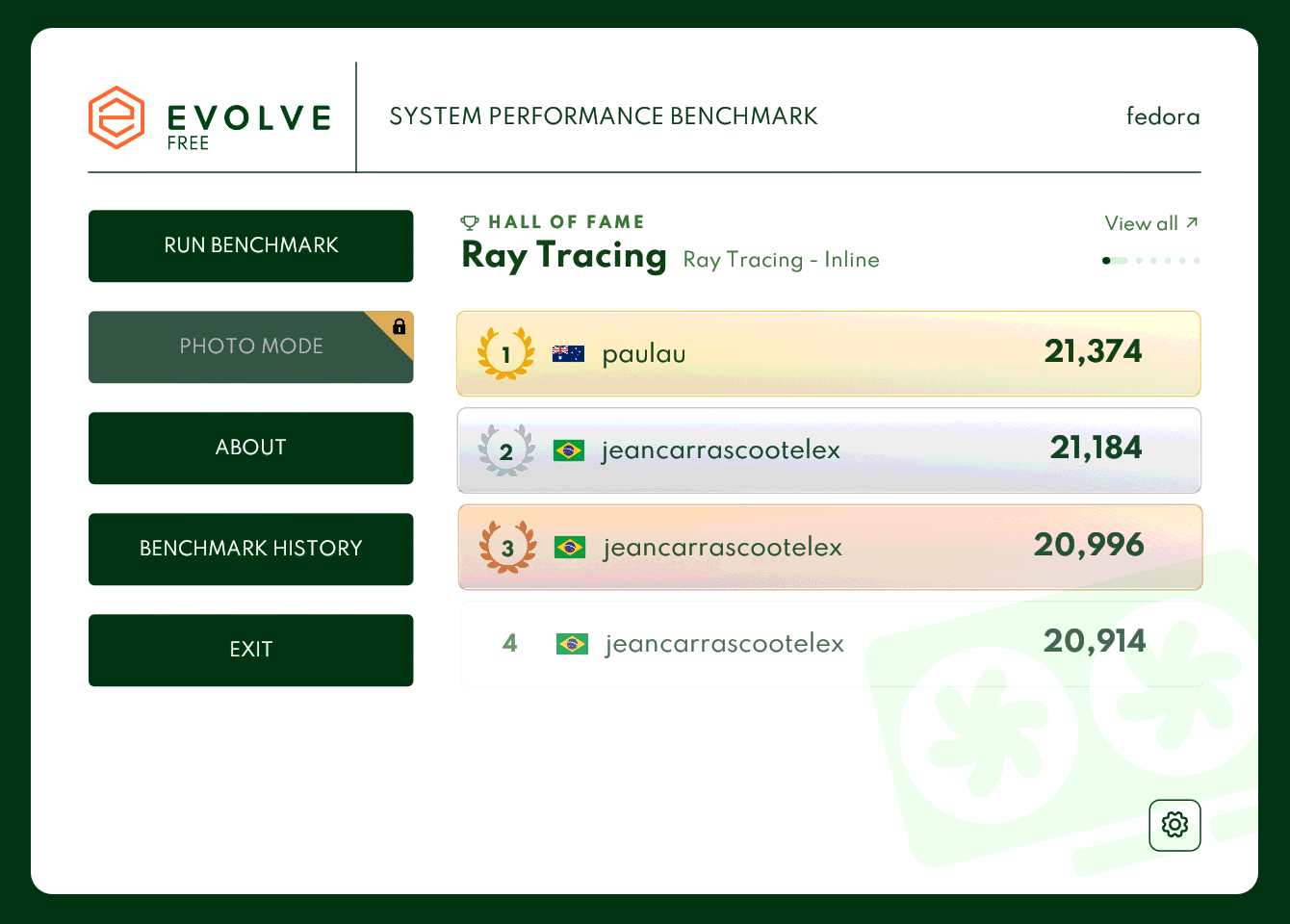
The start screen now shows the top scores from the Hall of Fame, cycling through the score categories every few seconds. Click a row to open that run on the website, or View all to see the full board. In offline mode, a Go online button loads the boards.
Frame timings in the Hall of Fame
The Run details page of every run in the Hall of Fame now has a Frame timings section. Scroll down past the run's scores and hardware to find it at the bottom of the page:
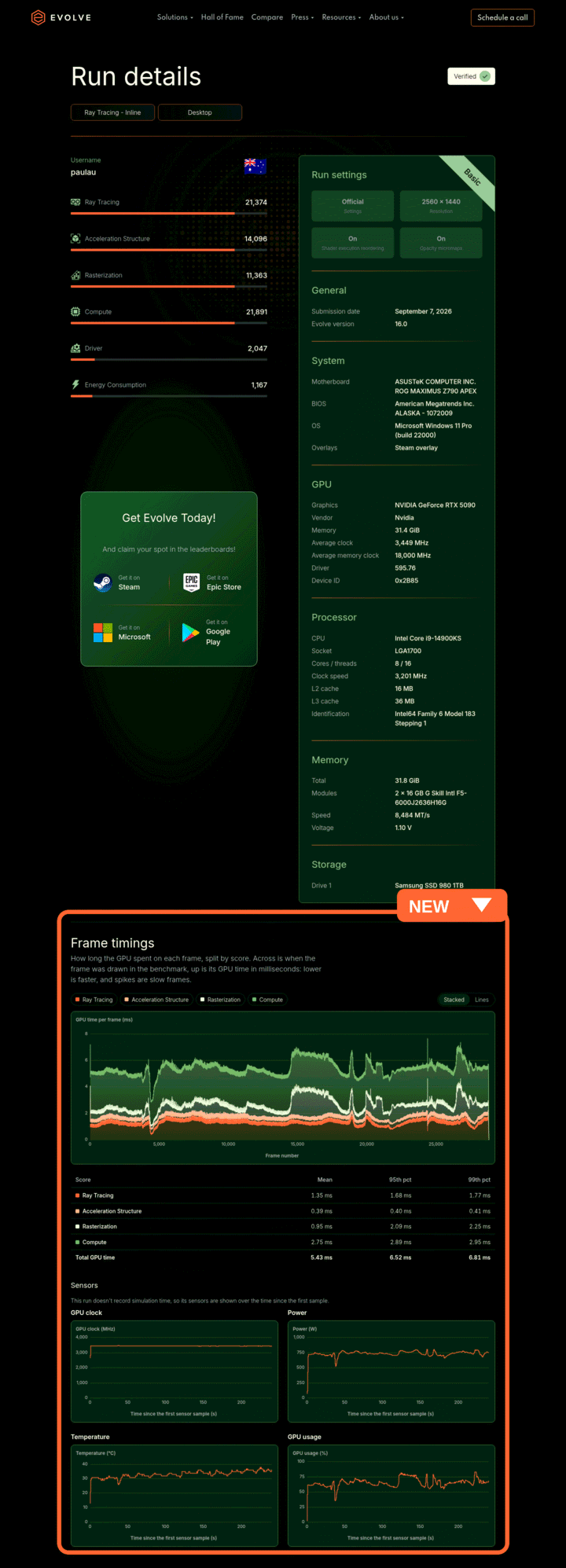
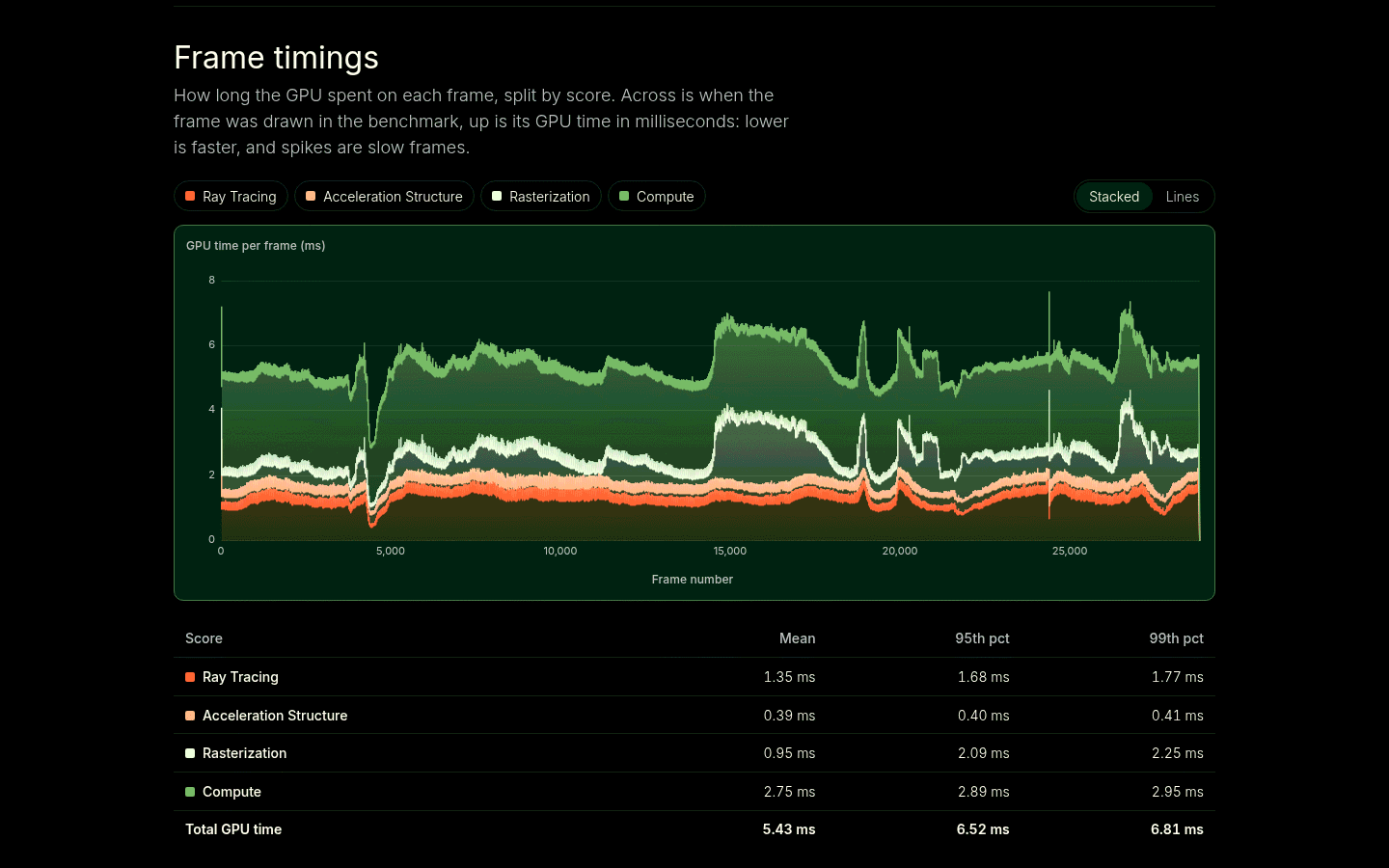
It charts how long the GPU spent on each frame of the run, split by score, so you can see exactly where a run was fast or slow and spot stutters at a glance. Switch between stacked bands and lines, and hide or show individual scores.
Below the chart, a table lists the mean, 95th and 99th percentile frame time per score. Sensor charts show the GPU clock, power, temperature and usage over the course of the run.
🐞 Bug fixes & improvements
- Fixed the Driver score on DirectX 12 and Vulkan, which measured some time that wasn't driver work. This changes the Driver score values, so Driver scores from Evolve 17.0 can't be compared with those from older versions. Every other score is unaffected.
- The overlay during a benchmark run now shows your operating system. When Evolve runs through Proton, it shows Windows (Proton), so you can tell a Proton run apart from a native one.
- The loading screen logo is now animated.
- On systems with both integrated and dedicated graphics, Evolve now picks the dedicated GPU by default. Previously, laptops and desktops with an AMD APU could end up running on the integrated GPU.
- Command line:
--gpunow also accepts part of a GPU's name, such as--gpu 4090, instead of only the exact full name. - On Android, logging in and other links now open in an in-app browser tab when your browser supports it, instead of switching to a separate browser app.
- Fixed logging in on the Android Play Store version: after signing in, you were sent to Evolve's Play Store page instead of back into Evolve.
- Buying the full version from the Free demo is now much smoother. On Steam, clicking a locked feature opens the Steam overlay with Evolve already in your cart, and once the purchase goes through, a banner in the demo lets you launch the full version straight away.
- It's now much clearer what each version includes. Features that need Basic or Advanced are no longer hidden: benchmark modes, custom settings, Photo Mode, looping and exports show a lock with the version that unlocks them, so you can see what you get with Free, Basic and Advanced.
🧜♂️ Thank you!
- N/a for this release
✍️ Additional Information
If you're a member of the press or influencer feel free to use the form on our website (https://www.evolvebenchmark.com/press-influencers) and sign up for a free copy of the professional version!